zSandbox
A downloadable game for Windows and Android
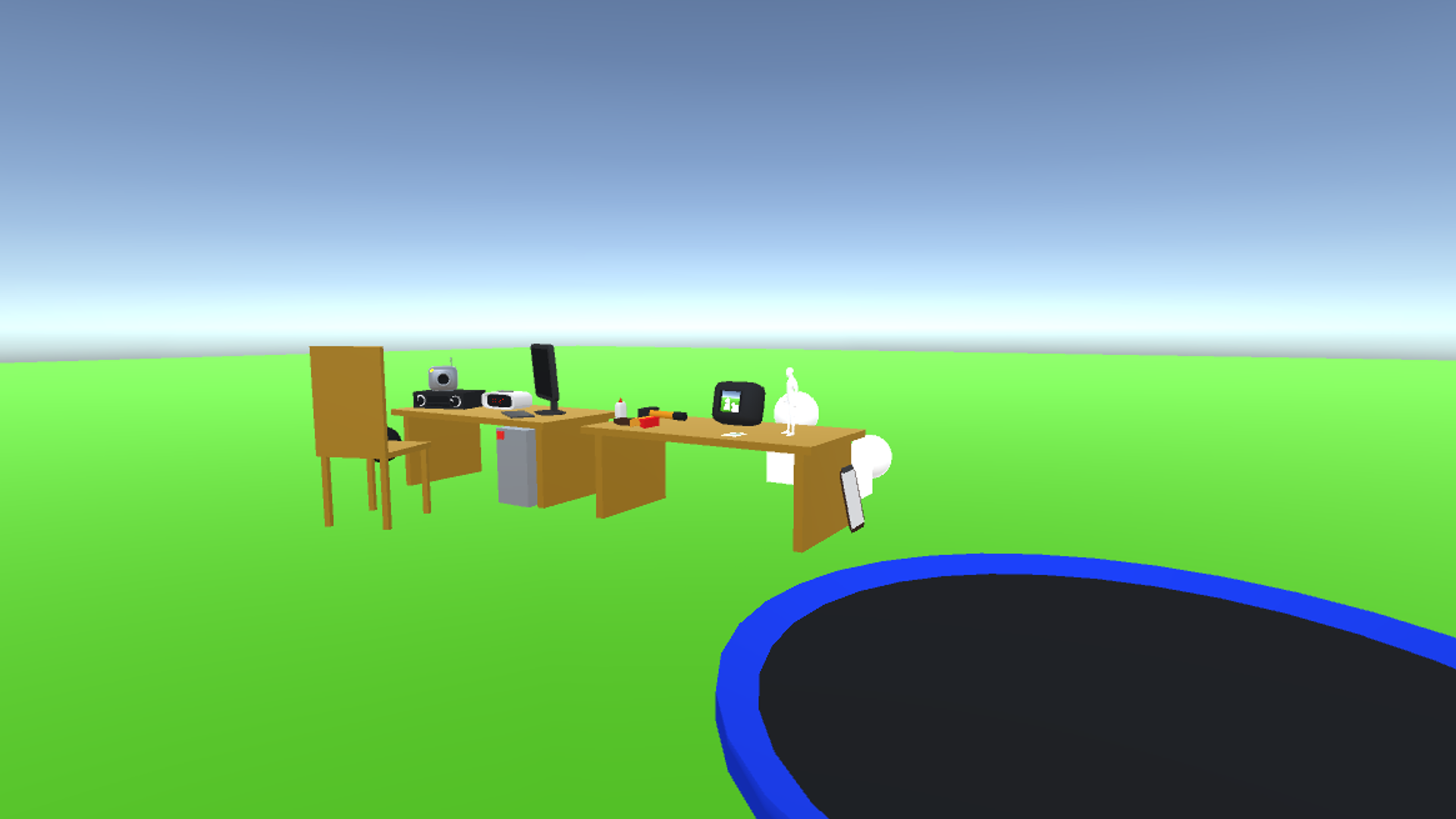
zSandbox is a simple sandbox game like GMod currently available on Windows and Android. (ngl the code SUCKS, please don't take a look)
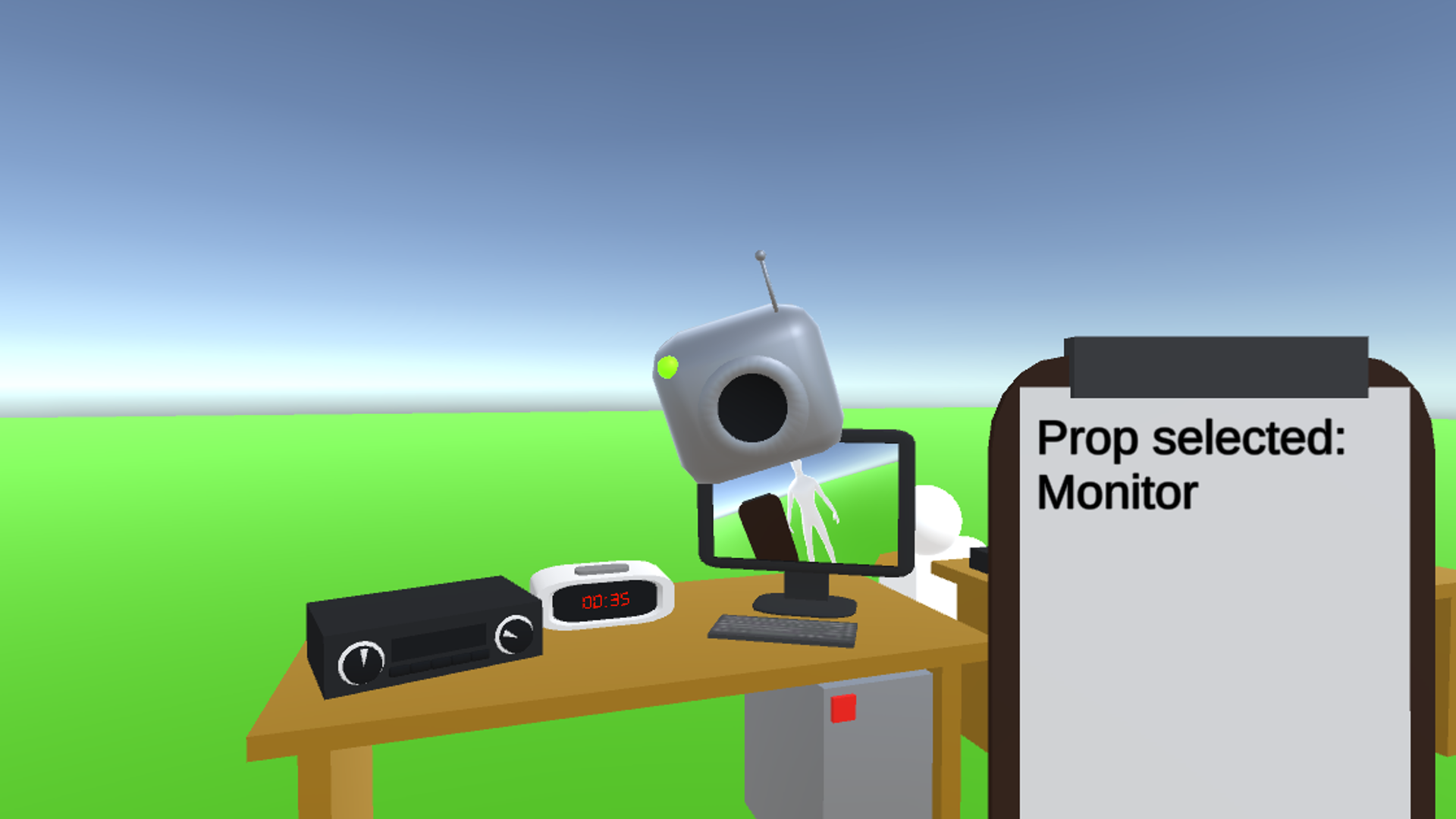
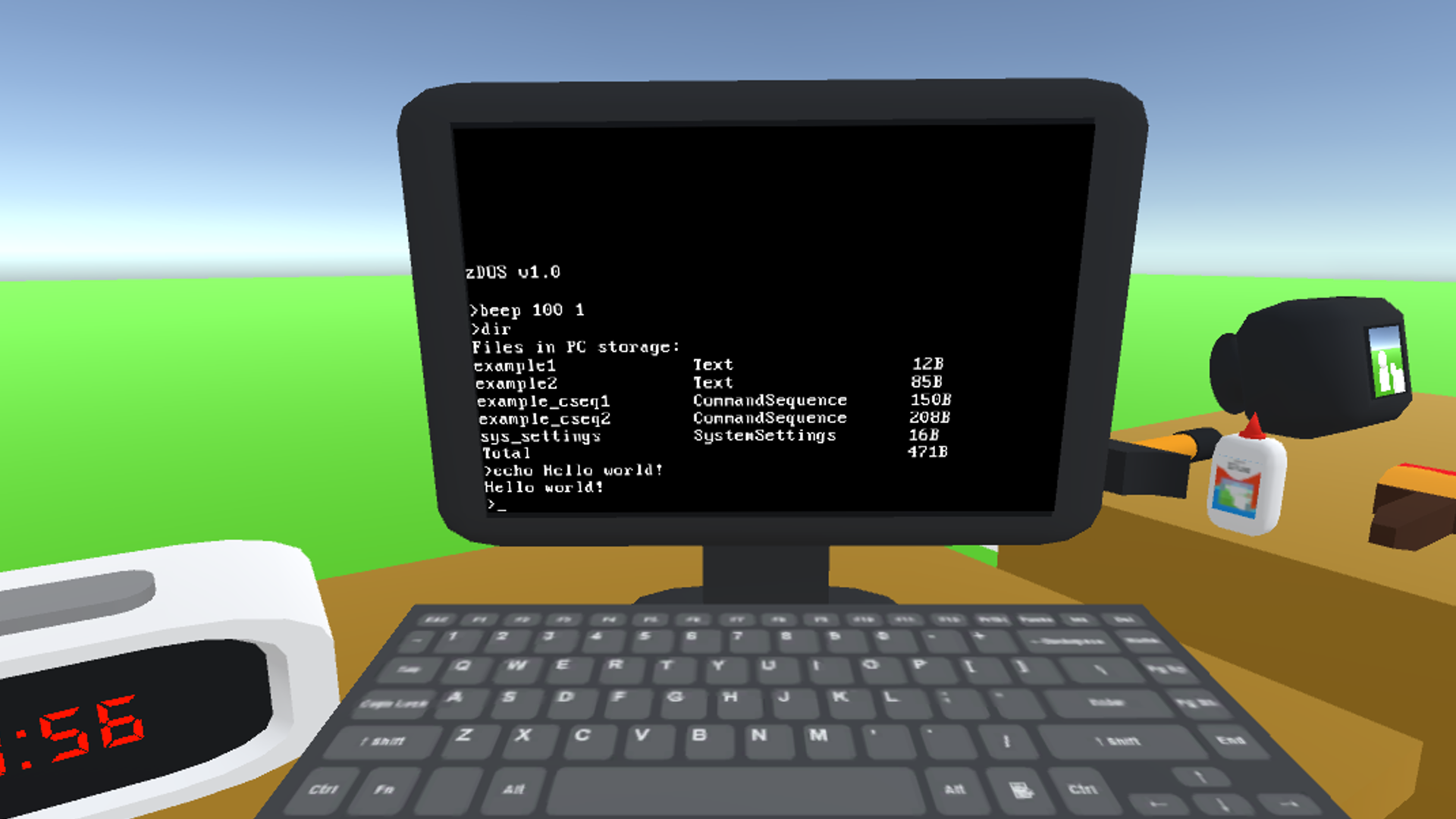
I'll eventually add settings to the game since not everyone has the same mouse sensitvity. (also PC prop is a huge W.I.P and might not work as expected)
What I want to add: Settings, saving, basic modding support (props and maps), better UI, etc.
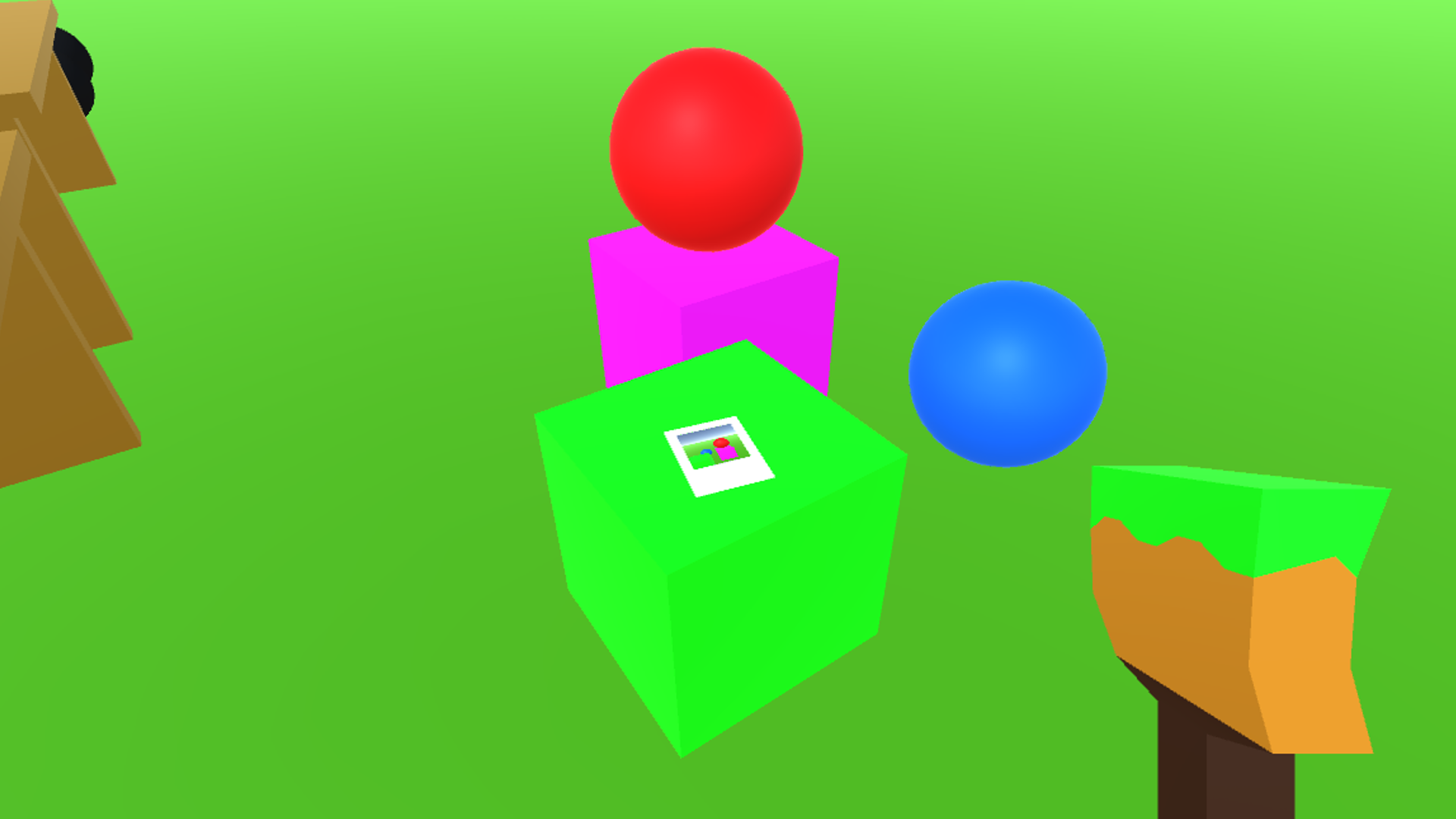
PC: F1 for color menu, F2 to activate keyboard tool, F3 to hide UI, R to equip stuff, Q/E/Enter for interactions, Tab (toggle) for spawn menu, Z to Zoom, C for tool interaction, hold F to grab props, Control to crouch, Alt while hold something + moving mouse = rotate props. Your documents folder is where saved photos from Photo Camera are (and the automatically rendered thumbnails).
Mobile: Mobile port was kind of rushed. Zooming, hiding the UI, running, crouching and rotating props is currently not available as the UI is crammed enough already and I can't figure out where to put stuff. The android/Data folder of the app is where saved stuff should be located. The PC prop is currently unsupported for mobile. Camera movement is also kind of snappy.
Radio music by Kevin MacLeod
Some sounds and textures are from PC Simulator by Yiming, don't know origins (might get replaced later on)
Download
Install instructions
Android: Download the APK, install it and play.
Windows: Download the ZIP file (WinRAR/7zip recommended), extract it where you want and run zSandbox.exe in the extracted folder (or make a shortcut) to play.
Comments
Log in with itch.io to leave a comment.
yummy
https://keepandroidopen.org/
either de-googleify your android somehow or don't update your android. this is just companies being companies now
I will use GrapheneOS.
sure, using a non-google mobile os is good
Problem: GrapheneOS is for Google Pixel phones.